
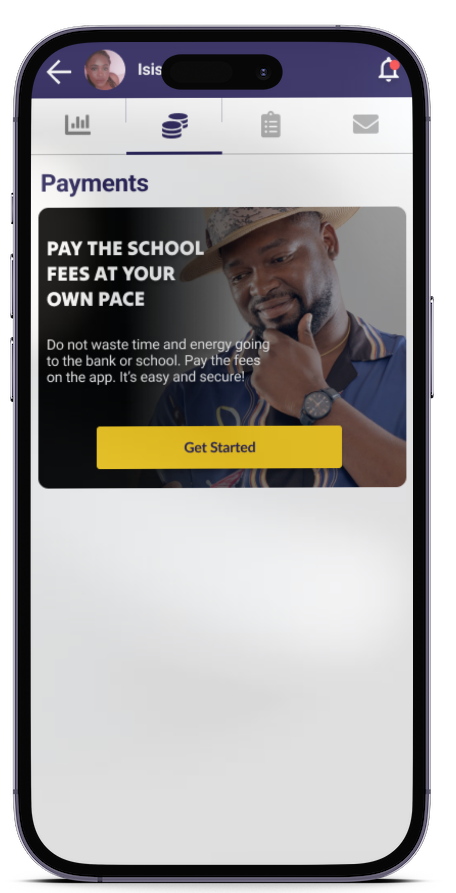
Eska lets parents pay the school fees at their own pace as long as they meet the deadlines set by the school.
How it works
Step 1: Add your child and enter their payment instalments
Read the article on : https://blog.eskalearning.com/a-practical-guide-how-to-pay-school-fees-through-eska/
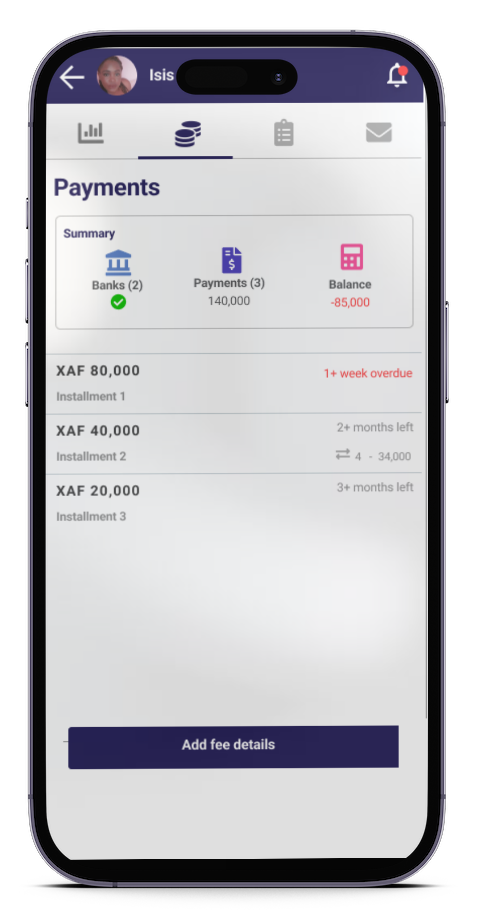
Step 2: Check the payments list
The app lists all the school fees to be settled, and their details.
Step 3: Select the instalment to be paid
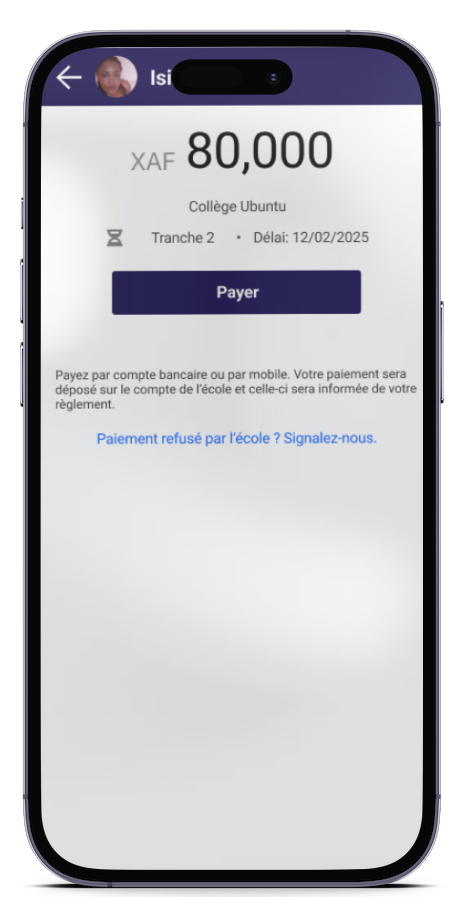
- Tap the payment you wish to settle
- Tap “Pay”
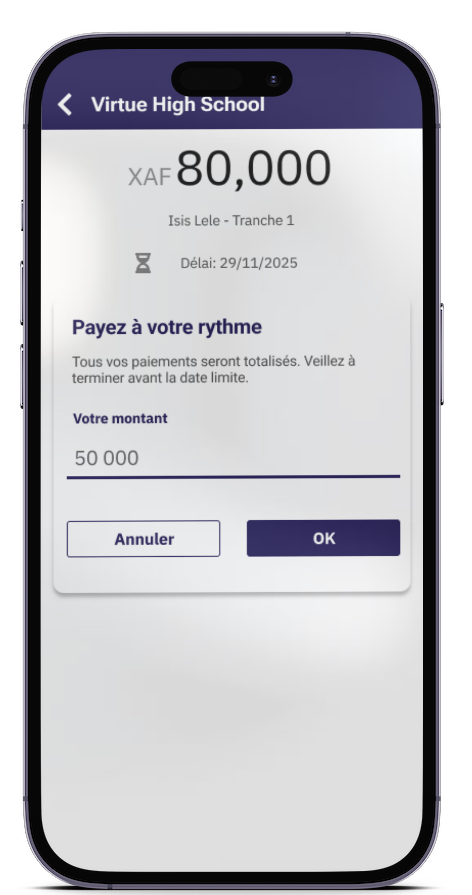
Step 4: Enter the amount you want to pay
- Enter the amount you wish to pay
- Confirm by tapping “Ok”
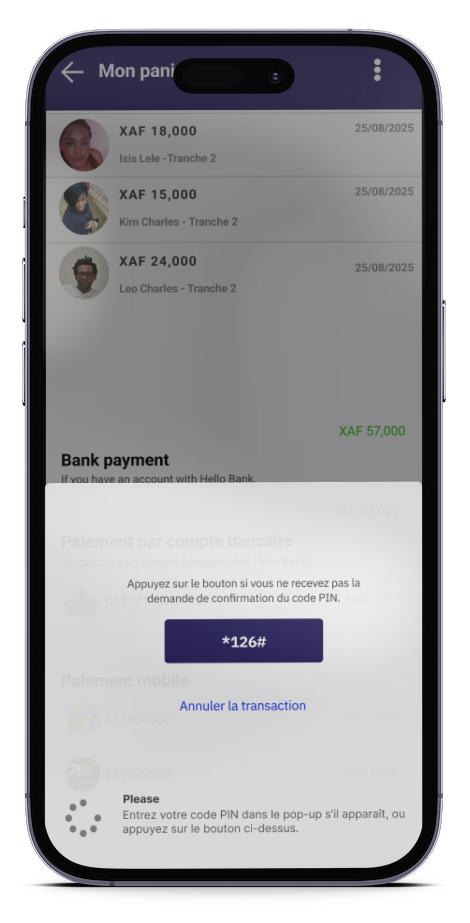
Step 5: Select your payment method and pay
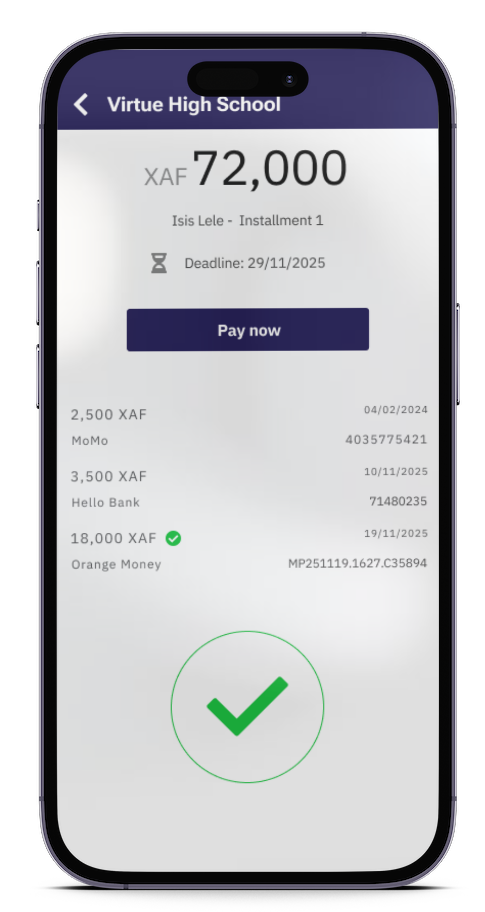
Step 6: Payment complete
The page displays:
- The list of your transactions (the details of each payment)
- Balance due
With Eska, pay your children’s school fees at your own pace, stress-free.
Download Eska and pay school fees at your own pace, in complete safety.
Available on App Store and Play Store: Dowload link