

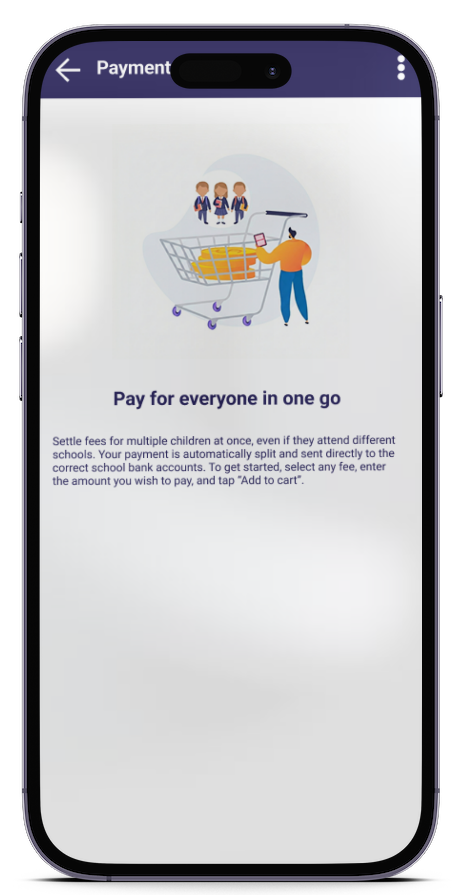
Group payments allow you to settle the school fees of multiple kids in a single transaction, even when they attend different schools. Each school automatically receives its respective share, while you benefit from a discount on transaction fees.
How it works ?
Step 1 : Go to the kids payment list
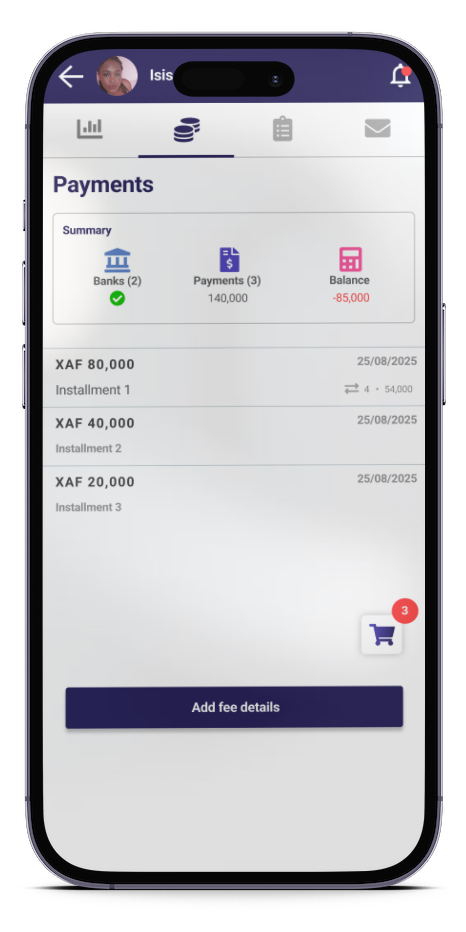
Step 2: Select the installment
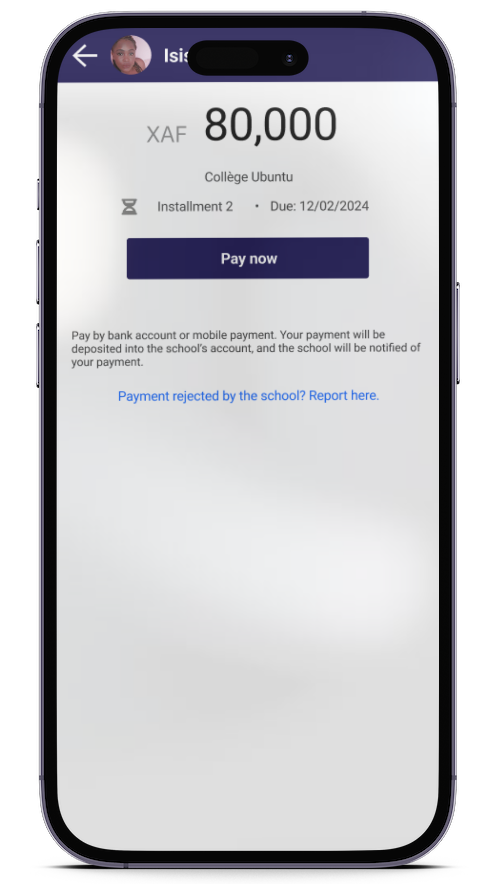
- Tap on the instalment you wish to settle
- Tap “Pay now”
Step 3. Enter the amount to be paid
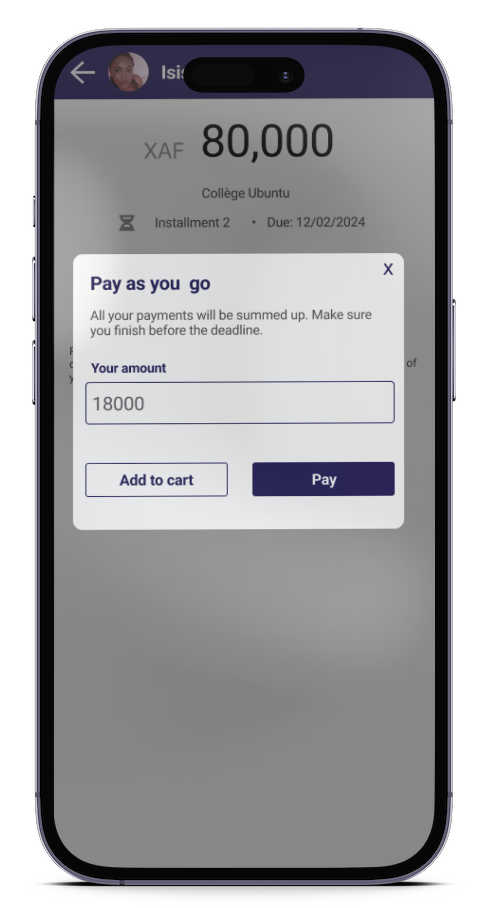
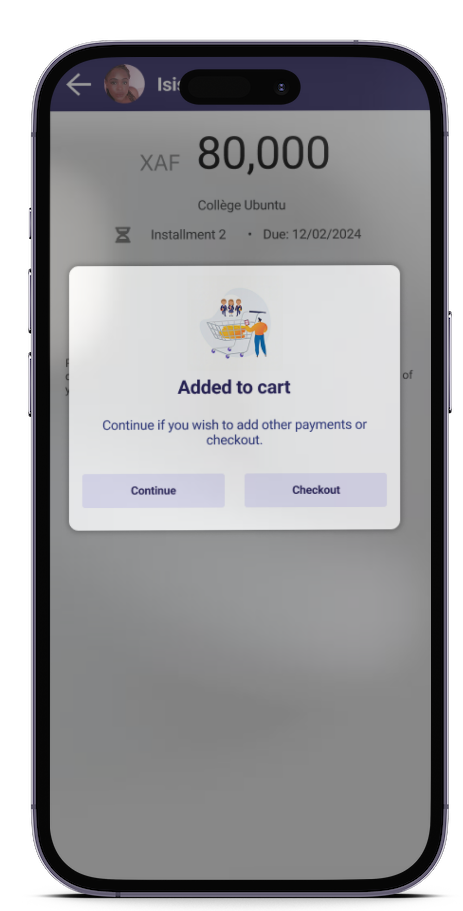
- Enter the amount you wish to settle
- Tap “Add to cart”
- Repeat this process for the other kids
Step 4 : View cart and checkout
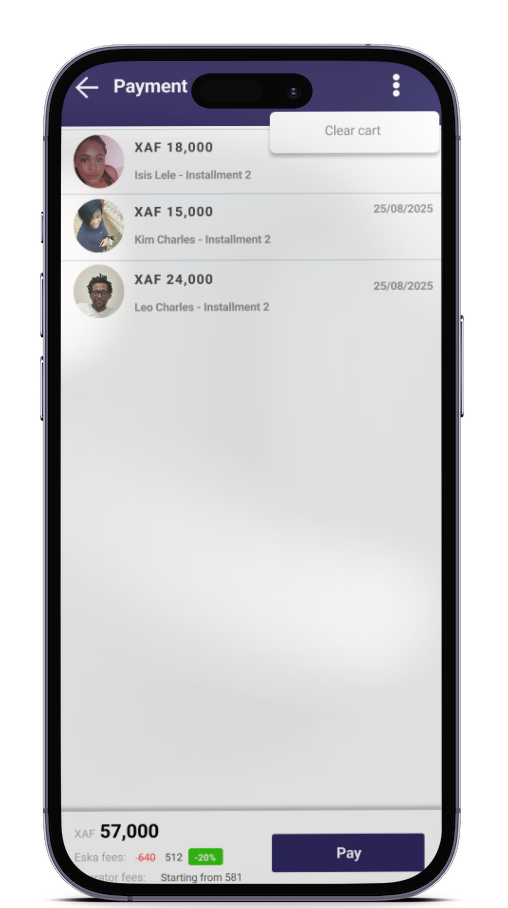
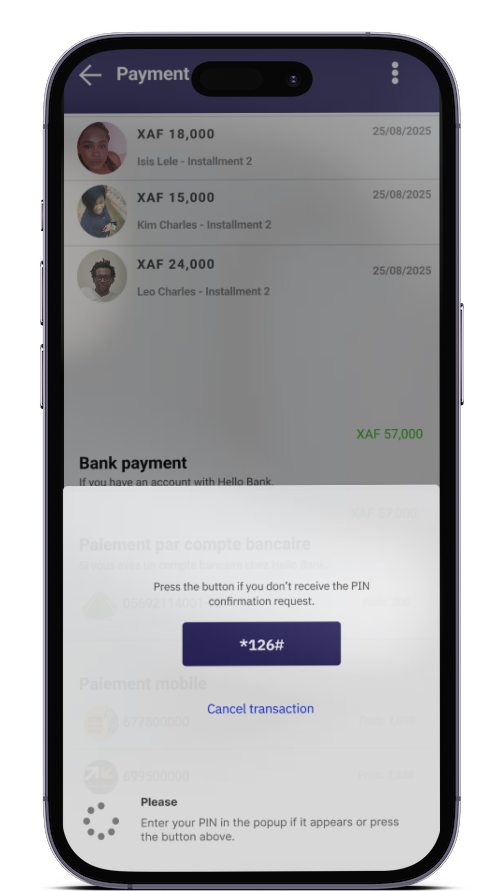
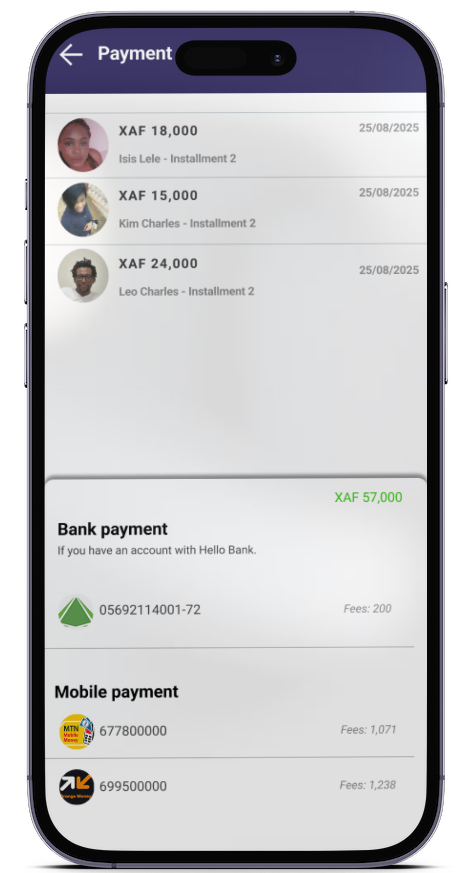
- Check the different payments
- Tap “Pay”
- Choose your payment method
- Confirm
Step 5: Confirmation of your payment
- You will receive a confirmation notification with a summary of all the payments.
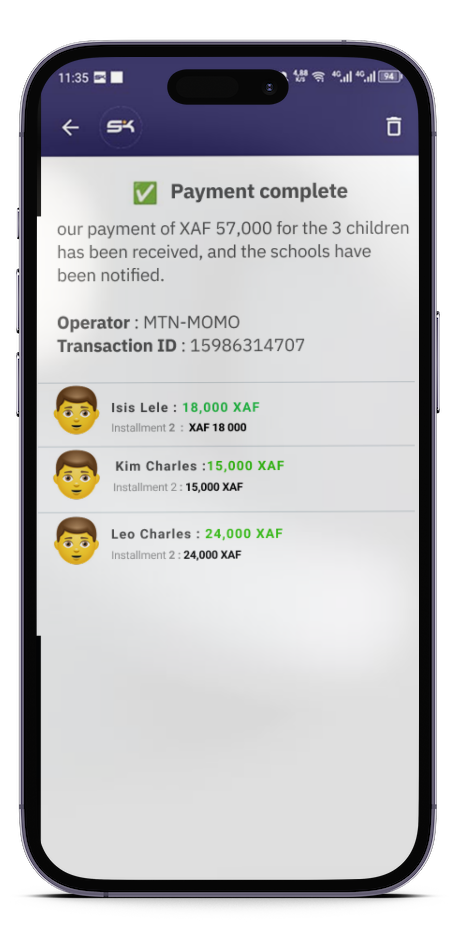
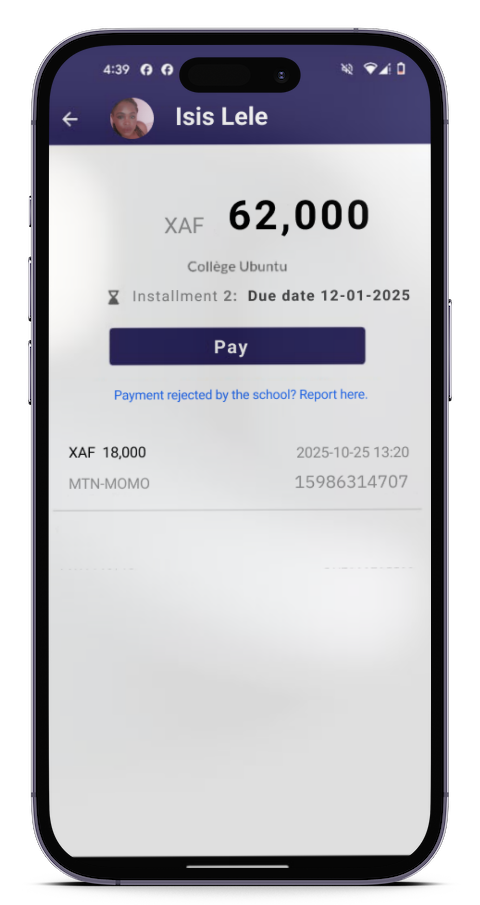
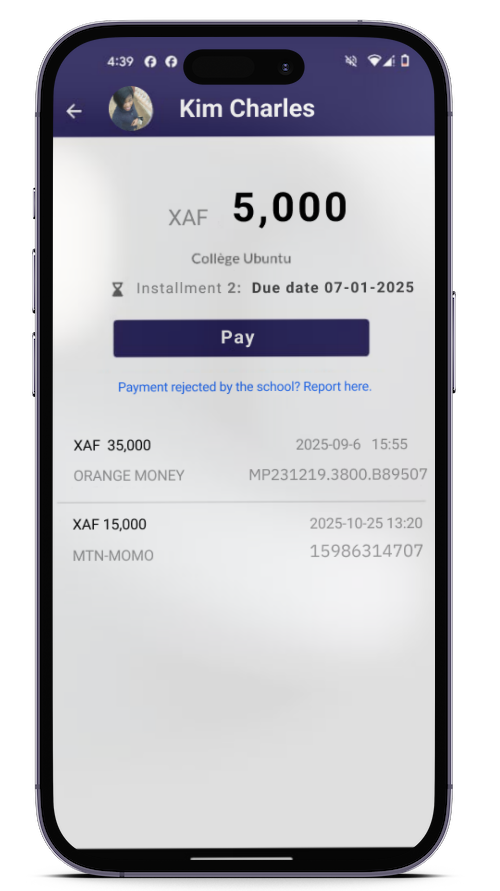
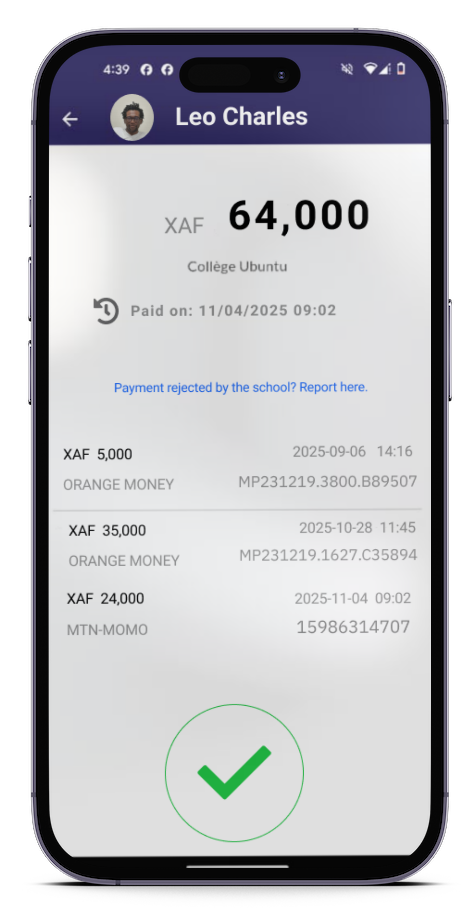
Step 6 : View your transaction history for each kid
The history displays:
- The payment details for each kid
- You can repeat this process
Download Eska and pay your kid’s school fees in just one click with the “Cart” option.
Available on App Store and Play Store: